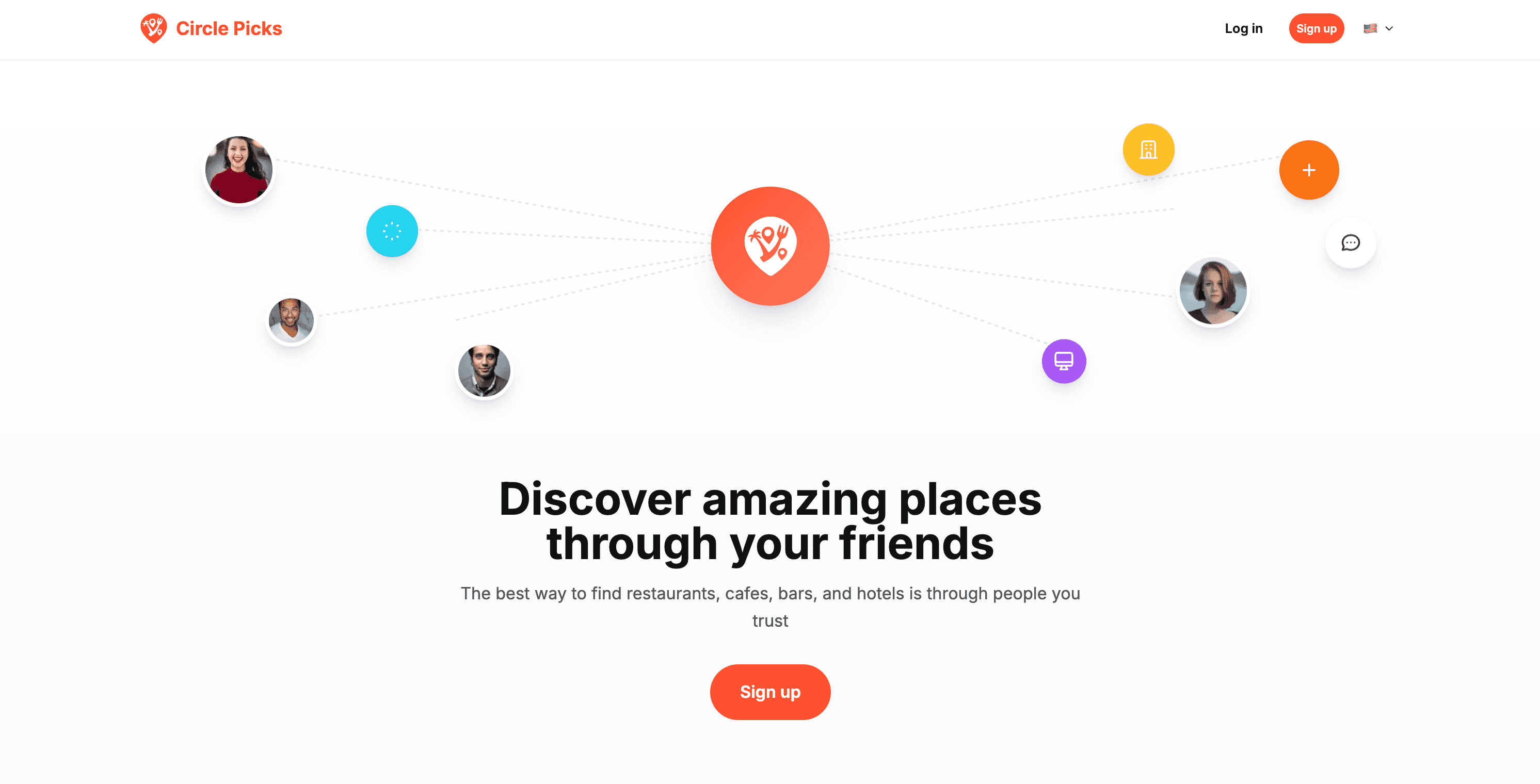
I recently shipped Circle Picks, a social platform where you share and discover places through people you trust. Think of it as your friends' curated guide to restaurants, cafes, bars, and hotels. No fake reviews, no sponsored content. Just real picks from real people.
The app is live on web, and the mobile version is in beta. It has authentication, GPS-based place search, image uploads, a follow system, bookmarks, an explore feed, i18n in two languages, and an admin moderation panel. And I built it largely by myself, with AI as my co-pilot.
Here's how I did it, broken down into four phases.
1. Idealization, Planning, and Organization
Before writing a single line of code, I spent time structuring my ideas in a way that both I and an AI could understand.
I created a set of context files: JSON and Markdown documents that describe every aspect of the project. The product strategy, the tech stack, the UX specs, the database schema, the API routes, the design tokens. Everything.
Here's what those files look like in practice:
- front.strategy.json - Product objectives, core use cases, MVP scope (what's in, what's out), success criteria
- front.tech.json - Complete tech stack with versions, all TypeScript models, database tables, API inventory, architecture principles
- front.ux.json - Navigation model, screen specs for every page, design tokens (colors, typography, spacing), interaction rules
- front.setup-plan.json - 18 implementation phases, database migration SQL, critical principles
- index.json - A master navigation hub with breadcrumbs and cross-references between all context docs
These files became the single source of truth for the entire project. When I started a new feature, I didn't have to re-explain the project from scratch. The AI had full context: what the app does, how it's structured, why certain decisions were made.
The key insight was this: the time you invest organizing your ideas upfront pays off exponentially when you're building with AI. A well-structured context file is worth more than a hundred prompts.
I also maintained a CLAUDE.md file at the project root, a living instruction file that tells Claude Code how to work with this specific project. It includes the tech stack, project structure, naming conventions, routing patterns, styling rules, and commit conventions. Every time Claude opens the project, it reads this file first and knows exactly how to behave.
2. Implementation
With the planning done, implementation moved fast. Really fast.
I used Claude Code as my primary development tool. Not as a fancy autocomplete, but as an actual development partner. I'd describe what I wanted, point it to the right context files, and it would write code that followed the project's patterns, used the right components, respected the routing conventions, and even handled i18n in both Portuguese and English.
The secret was the instruction files. Each project has its own CLAUDE.md with specific rules:
- Always use
Linkfrom@/i18n/routing, notnext/link - Use
cn()for conditional class merging - Follow the three-tier routing system (
ROUTE_PATHS,routes,routePaths) - Use the right Supabase client for each context (server vs browser)
- Conventional commits, lowercase, short messages
This meant I rarely had to correct the AI's output. It just worked within the project's conventions.
Worth mentioning: my friend Hel Rabelo built a tool called TokenCentric, an app designed to organize your AI instructions per project and manage your CLAUDE.md files across multiple codebases. It's been really helpful for keeping everything structured, especially when you're juggling multiple projects with different stacks and conventions.
The tech decisions that made this possible
I chose a stack that kept things simple and fast for an MVP:
- Next.js 16 with App Router as the full-stack framework
- Supabase for authentication, PostgreSQL database, and file storage, so I didn't need to set up any separate backend infrastructure
- Next.js API Routes as the REST API. This was a big one. Instead of maintaining a separate backend, I used the API routes inside Next.js itself. For an MVP, this is perfect. One codebase, one deployment, no extra infrastructure to manage
- React Query for server state management
- Tailwind CSS with custom design tokens for consistent styling
- next-intl for internationalization. The app runs in Portuguese (default) and English
I also made some practical choices that saved time: no icon library (all inline SVGs), no heavy form library except where needed, and image compression on the client side before upload.
3. Testing, Validation, and UX Refinement
Building features is one thing. Making them actually good is another.
This phase was about testing every flow end-to-end, refining the UX, and making sure the database was solid.
Place deduplication was one of the trickiest problems. When multiple users recommend the same restaurant, you don't want 5 duplicate entries. I built a multi-level matching system: exact Google Place ID match, case-insensitive name + city + country, coordinate proximity (~500m) with name similarity, and even country name normalization (Brasil → Brazil). When adding a place that already exists, the app shows a modal with the recommendation count and top tags, letting you confirm you're adding to the same place.
The Quick Add flow was designed around one goal: save a place in ~15 seconds. GPS detects your location, you search for the place, pick a price range, select tags, and done. Optional fields like description and photos are there if you want them, but they never block the core flow.
Visibility controls added a social layer that makes the app feel more community-driven. Every experience can be public or friends-only. The feed respects this: you see your own stuff regardless, public ones from the community, and friends-only ones from people you follow. This is enforced at the database level with Row Level Security, not just in the UI.
The "Other Recommenders" feature turned out to be one of the best additions. When you view an experience, you see other people who also recommended the same place. It creates that feeling of validation ("oh, 3 of my friends also love this spot") and encourages discovery through shared taste.
I also built an admin moderation panel for content quality. Experiences can be deactivated with a reason, and the user gets notified. Essential for any community-driven platform, even at MVP stage.
4. Mobile Development
This was the phase I was most nervous about. React Native is not my main stack. I'm a frontend engineer focused on web.
But I had two things going for me: a head start from a friend, and the same AI workflow that made web development fast.
Pedro, a friend and React Native developer, built the PHL React Native Boilerplate that gave me a serious head start. It comes with Expo SDK 54, file-based navigation with Expo Router, Zustand + MMKV for persistent state, NativeWind (Tailwind for React Native) with dark mode, React Query, form handling with React Hook Form + Zod, and i18n out of the box. It also follows a clean architecture pattern with separate presentation, domain, data, and core layers. Instead of wrestling with React Native's initial setup (which can be painful if you're not used to it), I ran npx create-expo-app -t phl-rn-boilerplate and had a production-ready foundation in minutes.
From there, I applied the same approach I used for web:
- Created context files specific to the mobile project
- Set up a
CLAUDE.mdwith React Native conventions - Used Claude Code to build features, leveraging my growing experience with React Native and the context from the web project
The mobile app needed exactly the same features as the web app. Same auth, same feed, same add flow, same explore, same bookmarks, same profile. The fact that I was using Next.js API routes as the backend made this straightforward. The mobile app just calls the same REST endpoints. No separate backend to build or maintain.
Supabase handled the heavy lifting across both platforms:
- Authentication: Email/password with session management
- Database: PostgreSQL with RLS policies ensuring data security regardless of which client makes the request
- Storage: Image uploads for experience photos and avatars
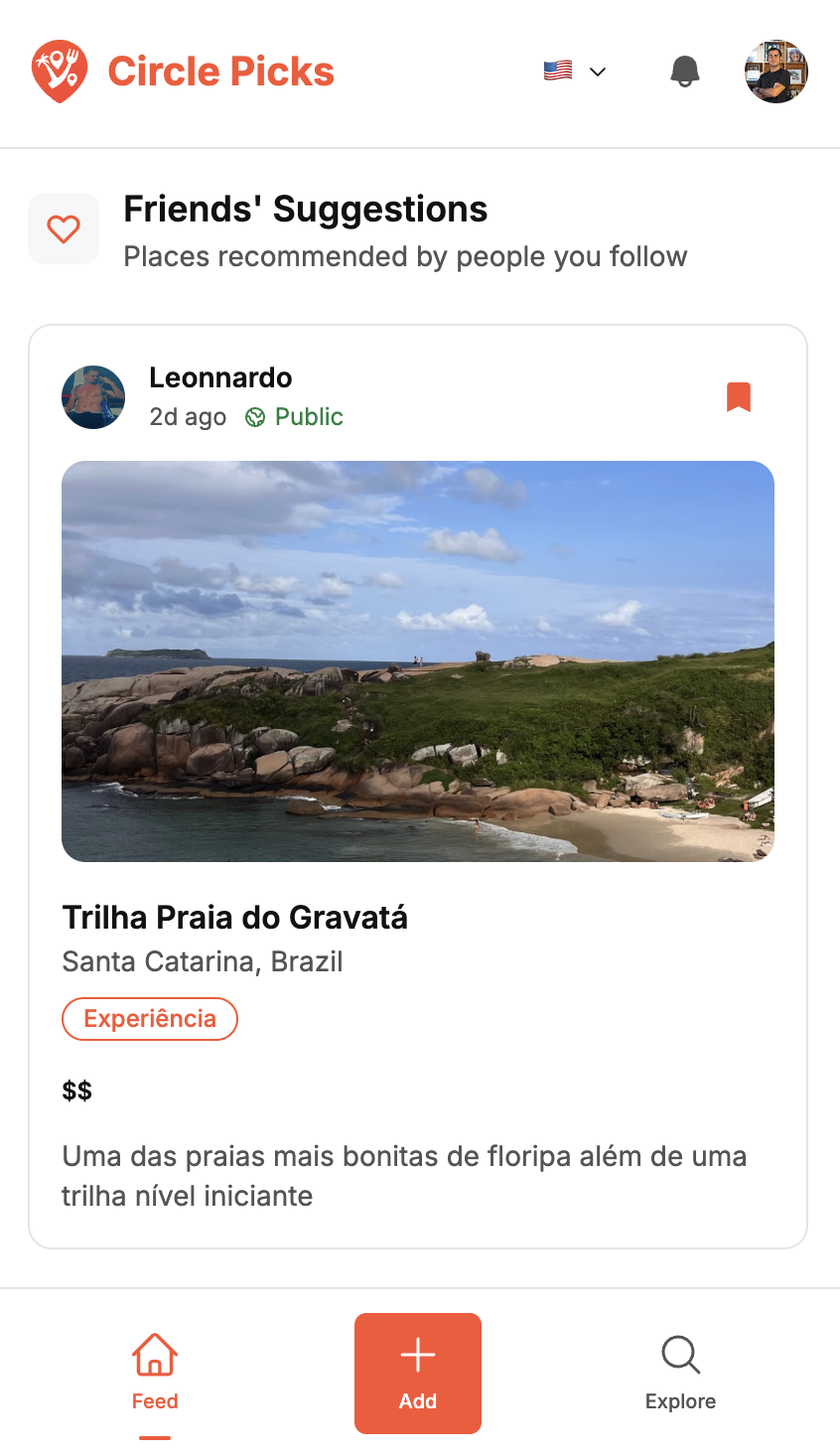
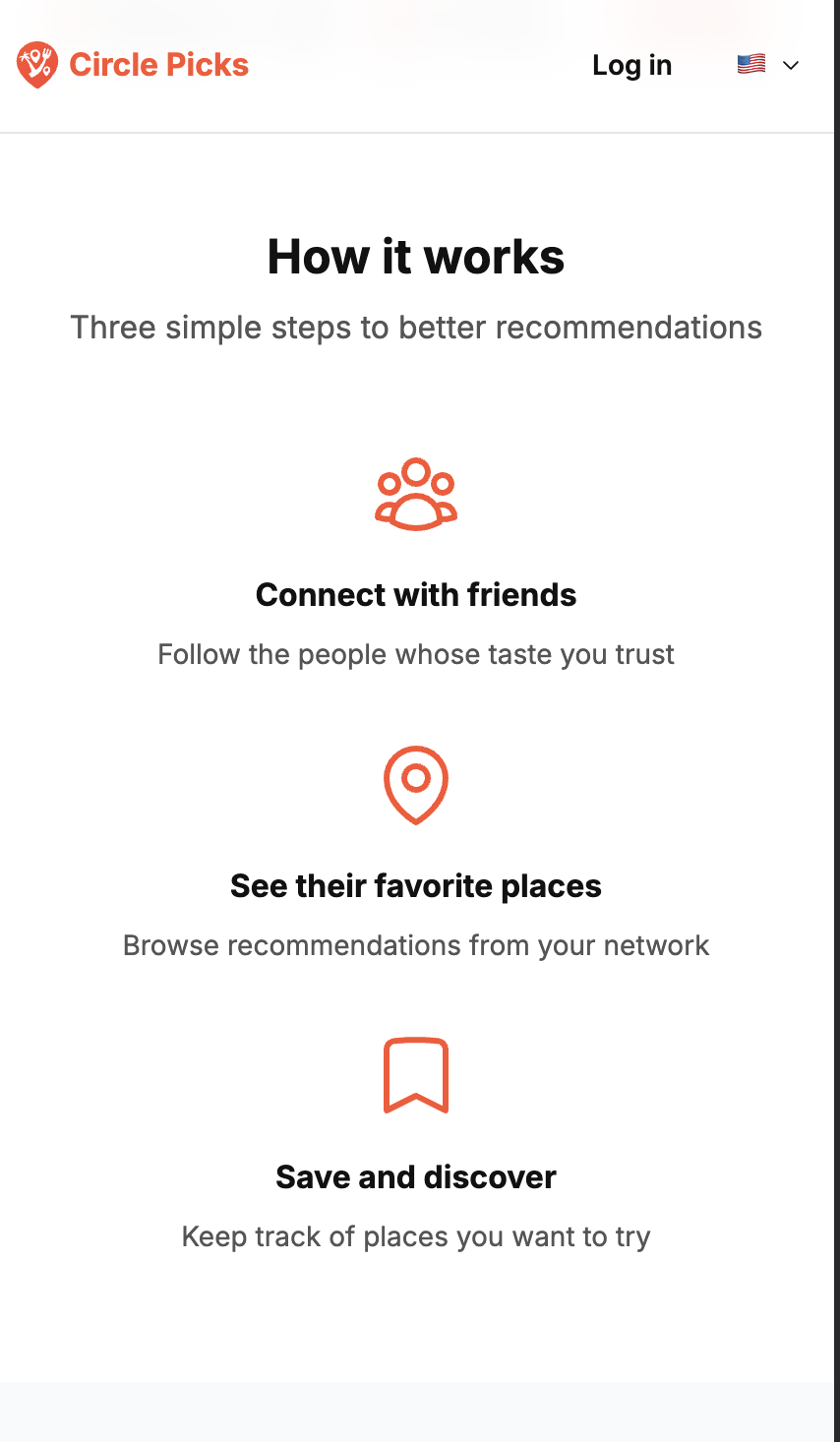
A few things I'm particularly happy with on mobile:
- GPS location works natively for the Quick Add flow, with the same cascade (GPS → IP fallback → manual selection)
- Image compression before upload, keeping the app fast and storage costs low
- Visibility controls (public vs friends-only) are consistent across platforms
- The shared API layer meant no feature parity issues. Both apps talk to the same backend
What I Learned
Building Circle Picks taught me a few things:
- AI works best when you give it structure. Context files, instruction files, and clear conventions turn AI from a code autocomplete into an actual development partner.
- You don't need a separate backend for an MVP. Next.js API routes + Supabase gave me a complete full-stack solution with a single deployment.
- Start with the boring stuff. Authentication, database schema, routing conventions. Getting these right early meant I could move fast later without refactoring.
- The community around AI tooling is real. Tools like TokenCentric from Hel Rabelo, the PHL Boilerplate from Pedro. The ecosystem of developers building tools to make AI-assisted development better is growing fast.
- React Native is approachable if you have the right support. A good boilerplate, solid context files, and an AI that understands your project can compensate for a lot of missing experience in a specific stack.
Circle Picks is live on the web, and the mobile app is coming soon. If you're interested in how your friends discover great places, give it a try.
And if you're building something with AI, invest in your context files. They're the most underrated productivity multiplier I've found.
Built with Next.js, React Native, Supabase, and Claude Code.